Setting the file. One moment.
Verify error tracking
Recommended
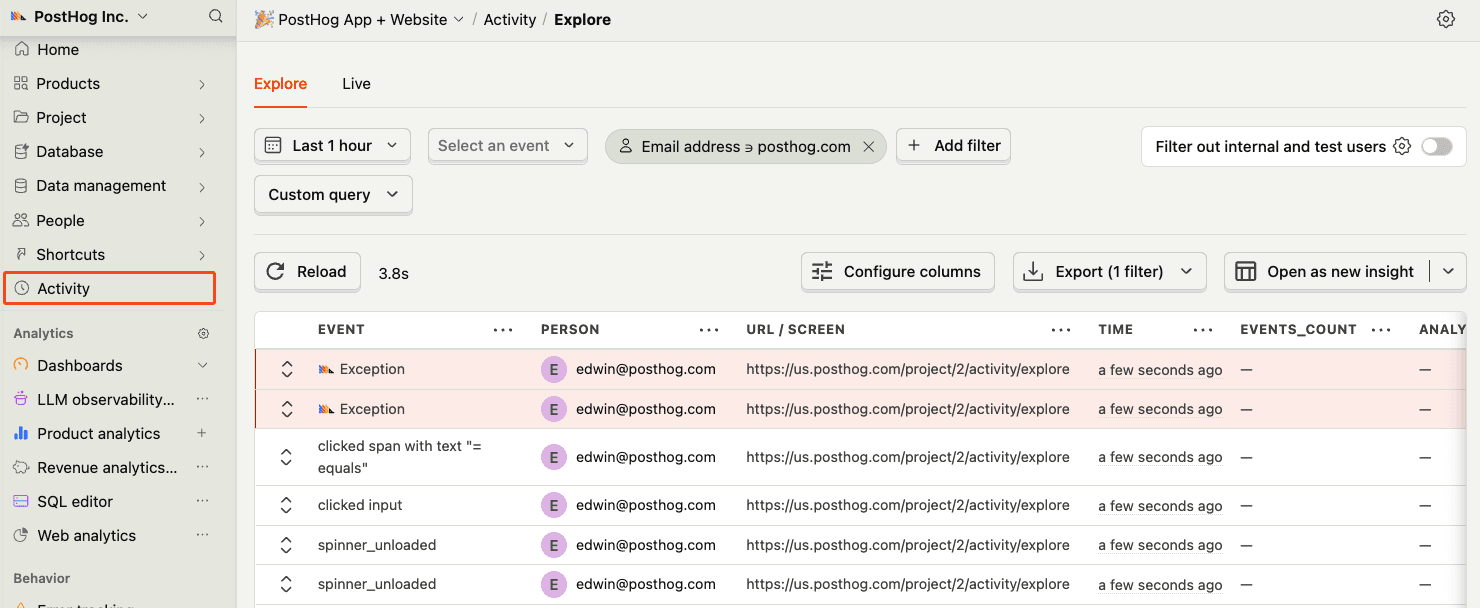
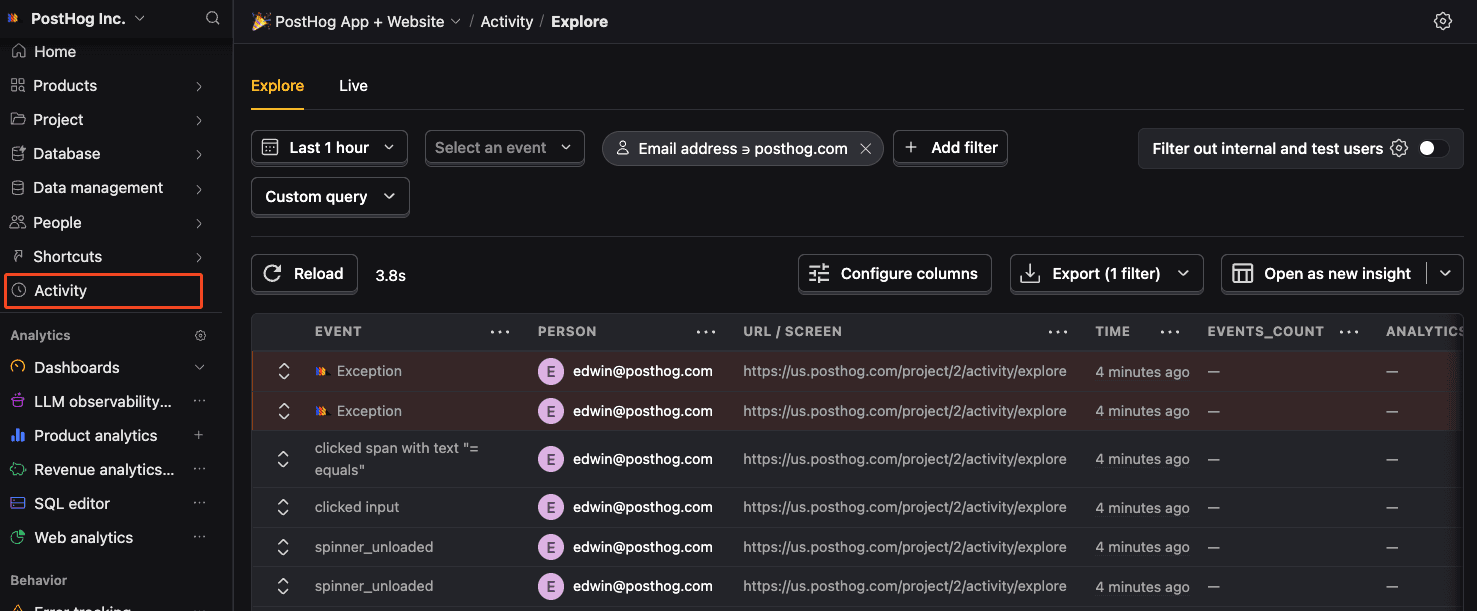
Confirm events are being sent to PostHog
Before proceeding, let’s make sure exception events are being captured and sent to PostHog. You should see events appear in the activity feed.
Chapter 158 · Omnibus Instrument Error Tracking
Subchapter 158.13
references/python.mdMarkdown5 KBView on GitHub
Required
Install the PostHog Python library using pip:
Terminal
PostHog AI
pip install posthog2
Required
Initialize the PostHog client with your project token and host from your project settings:
Python
PostHog AI
from posthog import Posthog
posthog = Posthog(
    project_api_key='<ph_project_token>',
    host='https://us.i.posthog.com'
)
Django integration
If you’re using Django, check out our Django integration (opens in a new tab) for automatic request tracking.
3
Recommended
Once installed, PostHog will automatically start capturing events. You can also manually send events to test your integration:
Capture custom events by calling the capture method with an event name and properties:
Python
PostHog AI
import posthog
posthog.capture('user_123', 'user_signed_up', properties={'example_property': 'example_value'})Recommended
Before proceeding, enable debug and call posthog.capture('test_event') to make sure you can capture events.
4
Recommended
Exception autocapture can be enabled during initialization of the PostHog client to automatically capture any unhandled exceptions thrown by your Python application. It works by setting Python’s built-in exception hooks, such as sys.excepthook and threading.excepthook.
Python
PostHog AI
from posthog import Posthog
posthog = Posthog("<ph_project_token>", enable_exception_autocapture=True, ...)
We recommend setting up and using contexts (opens in a new tab) so that exceptions automatically include distinct IDs, session IDs, and other properties you can set up with tags.
You can also enable code variables capture (opens in a new tab) to automatically capture the state of local variables when exceptions occur, giving you a debugger-like view of your application.
5
Optional
For exceptions handled by your application that you would still like sent to PostHog, you can manually call the capture method:
Python
PostHog AI
posthog.capture_exception(e, distinct_id="user_distinct_id", properties=additional_properties)You can find a full example of all of this in our Python (and Flask) error tracking tutorial (opens in a new tab).
6
Optional
Python frameworks often have built-in error handlers. This means PostHog’s default exception autocapture won’t work and we need to manually capture errors instead. The exact process depends on the framework:
The Python SDK provides a Django middleware that automatically wraps all requests with a context (opens in a new tab). Add the middleware to your Django settings:
Python
PostHog AI
MIDDLEWARE = [
    # ... other middleware
    'posthog.integrations.django.PosthogContextMiddleware',
    # ... other middleware
]
By default, the middleware captures exceptions and sends them to PostHog. Disable with POSTHOG_MW_CAPTURE_EXCEPTIONS = False. Use POSTHOG_MW_EXTRA_TAGS, POSTHOG_MW_REQUEST_FILTER, and POSTHOG_MW_TAG_MAP to customize. See the Django integration docs (opens in a new tab) for full configuration.
Python
PostHog AI
from flask import Flask, jsonify
from posthog import Posthog
posthog = Posthog('<ph_project_token>', host='https://us.i.posthog.com')
@app.errorhandler(Exception)
def handle_exception(e):
    event_id = posthog.capture_exception(e)
    response = jsonify({'message': str
Python
PostHog AI
from fastapi.responses import JSONResponse
from posthog import Posthog
posthog = Posthog('<ph_project_token>', host='https://us.i.posthog.com')
@app.exception_handler(Exception)
async def http_exception_handler(request, exc):
    posthog.capture_exception(exc)
return JSONResponse(status_code=500, Recommended
Confirm events are being sent to PostHog
Before proceeding, let’s make sure exception events are being captured and sent to PostHog. You should see events appear in the activity feed.
Ask a question
HelpfulCould be better