Setting the file. One moment.
Verify error tracking
Recommended
Confirm events are being sent to PostHog
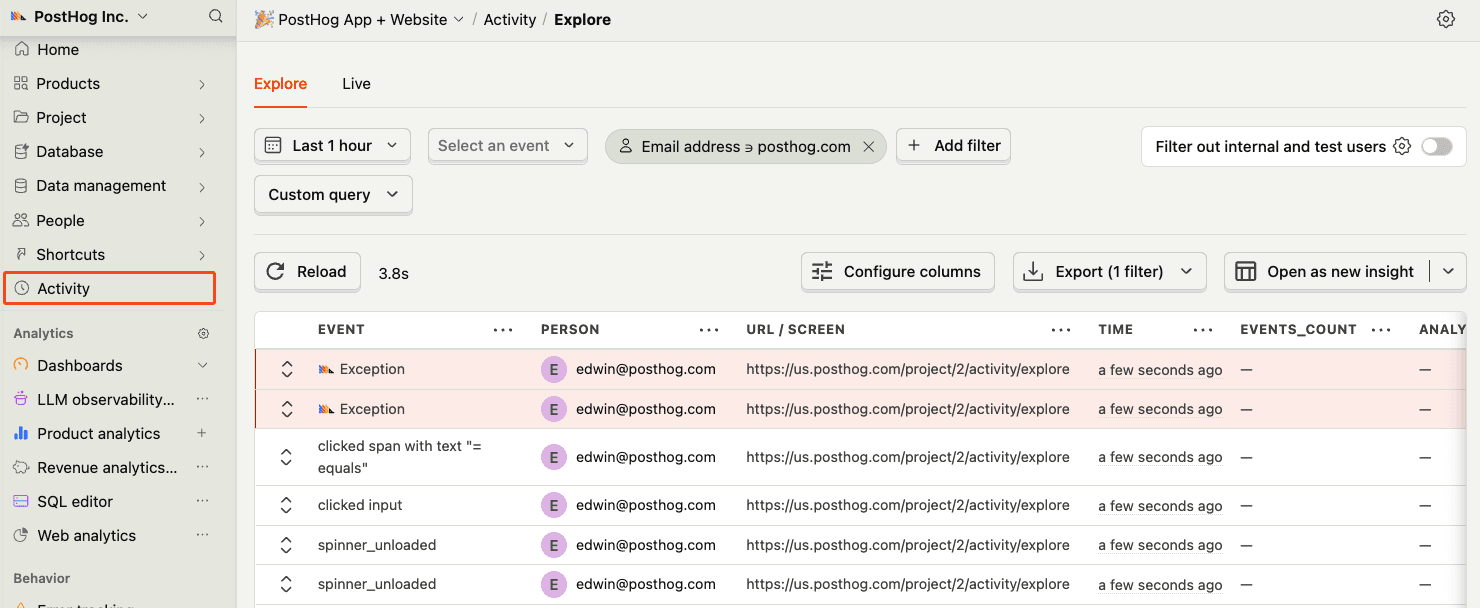
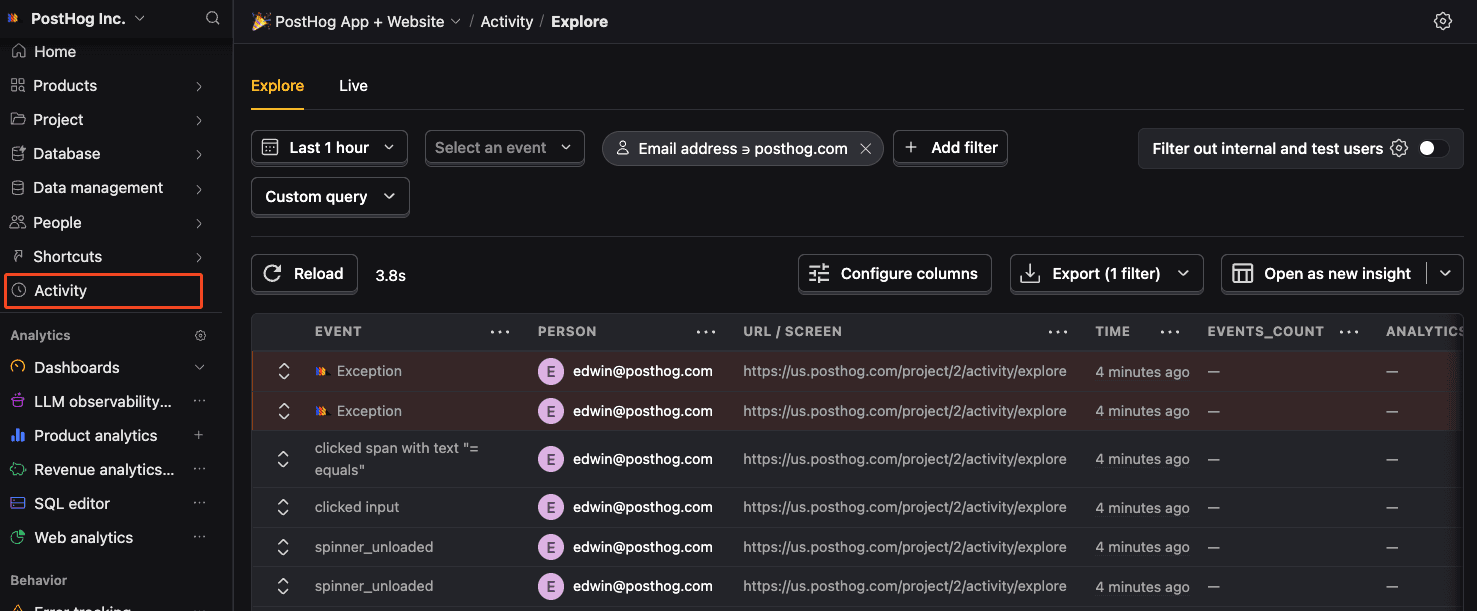
Before proceeding, let’s make sure exception events are being captured and sent to PostHog. You should see events appear in the activity feed.
Chapter 158 · Omnibus Instrument Error Tracking
Subchapter 158.8
references/hono.mdMarkdown3 KBView on GitHub
Required
Install the PostHog Node.js library using your package manager:
PostHog AI
npm install posthog-nodeyarn add posthog-nodepnpm add posthog-node2
Required
Initialize the PostHog client with your project token:
Node.js
PostHog AI
import { PostHog } from 'posthog-node'
const client = new PostHog(
    '<ph_project_token>',
    {
        host: 'https://us.i.posthog.com'
    }
)
3
Recommended
Once installed, you can manually send events to test your integration:
Node.js
PostHog AI
client.capture({
    distinctId: 'distinct_id_of_the_user',
    event: 'event_name',
    properties: {
        property1: 'value',
        property2: 'value',
    },
})
4
Required
Hono uses app.onError (opens in a new tab) to handle uncaught exceptions. You can take advantage of this for error tracking.
Remember to export your project token (opens in a new tab) as an environment variable.
index.ts
PostHog AI
import { PostHog } from 'posthog-node'
const posthog = new PostHog(process.env.POSTHOG_TOKEN, { host: 'https://us.i.posthog.com' })
app.onError(async (err, c) => {
  posthog.captureException(err, 'user_distinct_id_with_err_rethrow', {
    path: c.req.path,
    method: c.req.method,
    url: c.req.url,
    headers: c.req.header(),
    // ... other properties
  })
  await posthog.flush()
  // other error handling logic
  return c.text('Internal Server Error', 500)
})Recommended
Confirm events are being sent to PostHog
Before proceeding, let’s make sure exception events are being captured and sent to PostHog. You should see events appear in the activity feed.
5
Required
Great, you’re capturing exceptions! If you serve minified bundles, the next step is to upload source maps to generate accurate stack traces.
Let’s continue to the next section.
Ask a question
HelpfulCould be better