Setting the file. One moment.
Verify error tracking
Recommended
Confirm events are being sent to PostHog
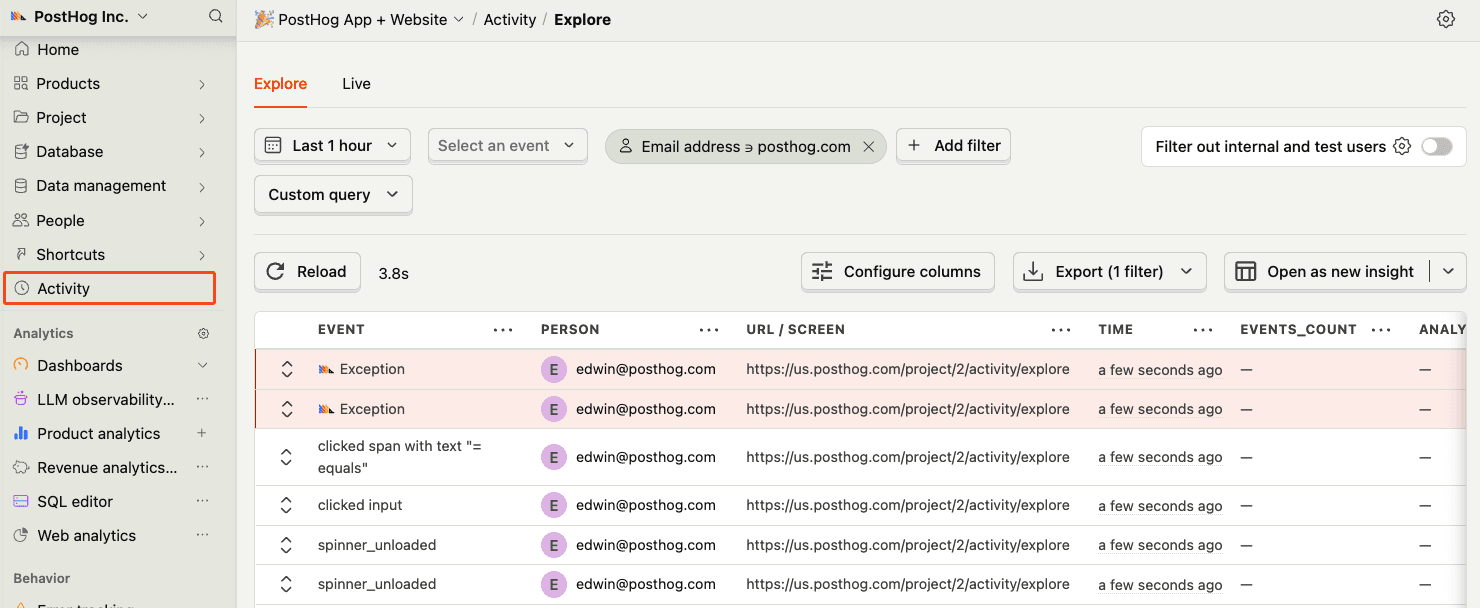
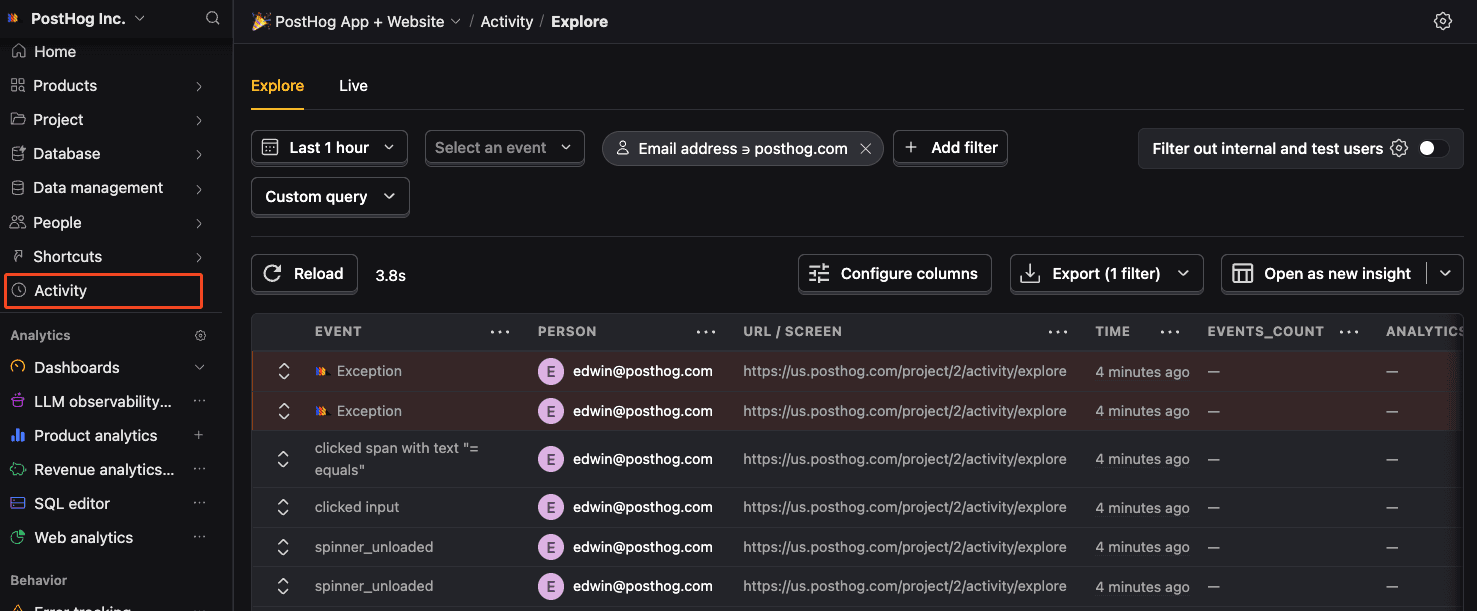
Before proceeding, let’s make sure exception events are being captured and sent to PostHog. You should see events appear in the activity feed.
Chapter 158 · Omnibus Instrument Error Tracking
Subchapter 158.6
references/flutter.mdMarkdown9 KBView on GitHub
Required
Add the PostHog Flutter SDK to your pubspec.yaml:
pubspec.yaml
PostHog AI
posthog_flutter: ^5.0.02
Required
Add these values to your AndroidManifest.xml:
android/app/src/main/AndroidManifest.xml
PostHog AI
<application>
  <activity>
    [...]
  </activity>
  <meta-data android:name="com.posthog.posthog.API_KEY" android:value="<ph_project_token>" />
  <meta-data android:name="com.posthog.posthog.POSTHOG_HOST" android:value="https://us.i.posthog.com" />
  <meta-data android:name="com.posthog.posthog.TRACK_APPLICATION_LIFECYCLE_EVENTS" android:value="true" />
  <meta-data android:name="com.posthog.posthog.DEBUG" android:value="true" />
</application>
Update the minimum Android SDK version to 21 in android/app/build.gradle:
android/app/build.gradle
PostHog AI
defaultConfig {
  minSdkVersion 21
  // rest of your config
}Add these values to your Info.plist:
ios/Runner/Info.plist
PostHog AI
<dict>
  [...]
  <key>com.posthog.posthog.API_KEY</key>
  <string><ph_project_token></string>
  <key>com.posthog.posthog.POSTHOG_HOST</key>
  <string>https://us.i.posthog.com</string>
  <key>com.posthog.posthog.CAPTURE_APPLICATION_LIFECYCLE_EVENTS</key>
  <true
Update the minimum platform version to iOS 13.0 in your Podfile:
Podfile
PostHog AI
platform :ios, '13.0'
# rest of your configAdd these values in index.html:
web/index.html
PostHog AI
<!DOCTYPE html>
<html>
  <head>
    ...
    <script>
      !function(t,e
3
Recommended
Once installed, PostHog will automatically start capturing events. You can also manually send events to test your integration:
Dart
PostHog AI
import 'package:posthog_flutter/posthog_flutter.dart';
await Posthog().capture(
    eventName: 'button_clicked',
    properties: {
      'button_name': 'signup'
    }
);
4
Recommended
Client-side configuration only
This configuration is client-side only. Support for remote configuration in the error tracking settings (opens in a new tab) will be added in a future release.
You can autocapture exceptions by configuring the errorTrackingConfig when setting up PostHog:
Dart
PostHog AI
final config = PostHogConfig('<ph_project_token>');
// Enable exception autocapture
config.errorTrackingConfig.captureFlutterErrors = true;
config.errorTrackingConfig.capturePlatformDispatcherErrors = true;
config.errorTrackingConfig.captureIsolateErrors = true;
config.errorTrackingConfig.captureNativeExceptions = true;
config.errorTrackingConfig.captureSilentFlutterErrors = false;
await Posthog().setup(config);
Configuration options:
| Option | Description |
|---|---|
| captureFlutterErrors | Captures Flutter framework errors (FlutterError.onError) |
| capturePlatformDispatcherErrors | Captures Dart runtime errors (PlatformDispatcher.onError). Web not supported. |
| captureIsolateErrors | Captures errors from main isolate. Web not supported. |
| captureNativeExceptions | Captures native exceptions (Java/Kotlin exceptions). Android only. |
| captureSilentFlutterErrors | Captures Flutter errors that are marked as silent. Default: false. |
5
Optional
You can manually capture exceptions using the captureException method:
Dart
PostHog AI
try {
  // Your awesome code that may throw
  await someRiskyOperation();
} catch (exception, stackTrace) {
  // Capture the exception with PostHog
  await Posthog().captureException(
    error: exception,
    stackTrace: stackTrace,
    properties: {
      'user_action': 'button_press',
      'feature_name': 'data_sync',
    },
  );
}
This is helpful if you’ve built your own error handling logic or want to capture exceptions that are handled by your application code.
You can configure error tracking behavior when setting up PostHog:
Flutter web apps use minified stack trace frames
Flutter web apps generate minified stack trace frames by default, which may cause the configurations below to behave differently or not work as expected.
Dart
PostHog AI
final config = PostHogConfig('<ph_project_token>');
// Configure error tracking
config.errorTrackingConfig.inAppIncludes.add('package:your_app');
config.errorTrackingConfig.inAppExcludes.add('package:third_party_lib');
config.errorTrackingConfig.inAppByDefault = true;
await Posthog().setup(config);
Configuration options:
| Option | Description |
|---|---|
| inAppIncludes | List of package names to be considered inApp frames (takes precedence over excludes) |
| inAppExcludes | List of package names to be excluded from inApp frames |
| inAppByDefault | Whether frames are considered inApp by default when their origin cannot be determined |
inApp frames are stack trace frames that belong to your application code (as opposed to third-party libraries or system code). These are highlighted in the PostHog error tracking interface to help you focus on the relevant parts of the stack trace.
6
Optional
We currently don’t support the following features:
These features will be added in future releases. We recommend you stay up to date with the latest version of the PostHog Flutter SDK.
Recommended
Confirm events are being sent to PostHog
Before proceeding, let’s make sure exception events are being captured and sent to PostHog. You should see events appear in the activity feed.
7
Required
Great, you’re capturing exceptions! If you serve minified bundles, the next step is to upload source maps to generate accurate stack traces.
Let’s continue to the next section.
Ask a question
HelpfulCould be better