Chapter 150 · LLM Analytics Setup
Subchapter 150.36
references/vercel-ai.mdMarkdown4 KBView on GitHub
Required
Install the PostHog AI package, the Vercel AI SDK, and the OpenTelemetry SDK.
npm install @posthog/ai @ai-sdk/openai ai @opentelemetry/sdk-node @opentelemetry/resourcesNo proxy
These SDKs do not proxy your calls. They only send analytics data to PostHog in the background.
2
Required
Initialize the OpenTelemetry SDK with PostHog’s PostHogTraceExporter. This sends gen_ai.* spans directly to PostHog’s OTLP ingestion endpoint. PostHog converts these into $ai_generation events automatically.
import { NodeSDK } from '@opentelemetry/sdk-node'
import { resourceFromAttributes } from '@opentelemetry/resources'
import { PostHogTraceExporter } from '@posthog/ai/otel'
const sdk = new NodeSDK({
resource: resourceFromAttributes({
'service.name': 'my-ai-app',
}),
traceExporter: new PostHogTraceExporter({
apiKey: '<ph_project_token>',
host: 'https://us.i.posthog.com',
}),
})
sdk.start()3
Required
Pass experimental_telemetry to your Vercel AI SDK calls. The posthog_distinct_id metadata field links events to a specific user in PostHog.
import { generateText } from 'ai'
import { openai } from '@ai-sdk/openai'
const result = await generateText({
model: openai('gpt-5-mini'),
prompt: 'Tell me a fun fact about hedgehogs.',
experimental_telemetry: {
isEnabled: true,
functionId: 'my-ai-function',
metadata: {
posthog_distinct_id: 'user_123', // optional
},
},
})
console.log(result.text)
await sdk.shutdown()Note: If you want to capture LLM events anonymously, omit the
posthog_distinct_idmetadata field. See our docs on anonymous vs identified events (opens in a new tab) to learn more.
You can expect captured $ai_generation events to have the following properties:
| Property | Description |
|---|---|
| $ai_model | The specific model, like gpt-5-mini or claude-4-sonnet |
| $ai_latency | The latency of the LLM call in seconds |
| $ai_time_to_first_token | Time to first token in seconds (streaming only) |
| $ai_tools | Tools and functions available to the LLM |
| $ai_input | List of messages sent to the LLM |
| $ai_input_tokens | The number of tokens in the input (often found in response.usage) |
| $ai_output_choices | List of response choices from the LLM |
| $ai_output_tokens | The number of tokens in the output (often found in response.usage) |
| $ai_total_cost_usd | The total cost in USD (input + output) |
| […] (opens in a new tab) | See full list (opens in a new tab) of properties |
Recommended
Confirm LLM events are being sent to PostHog
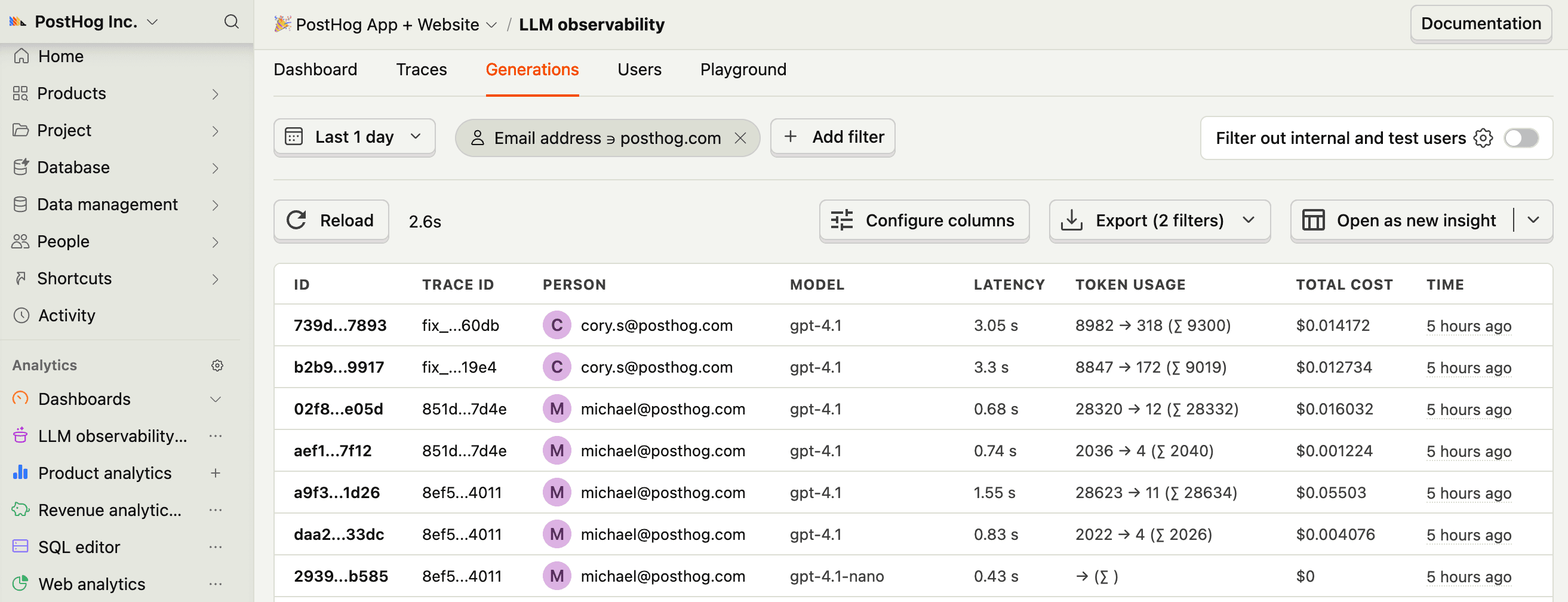
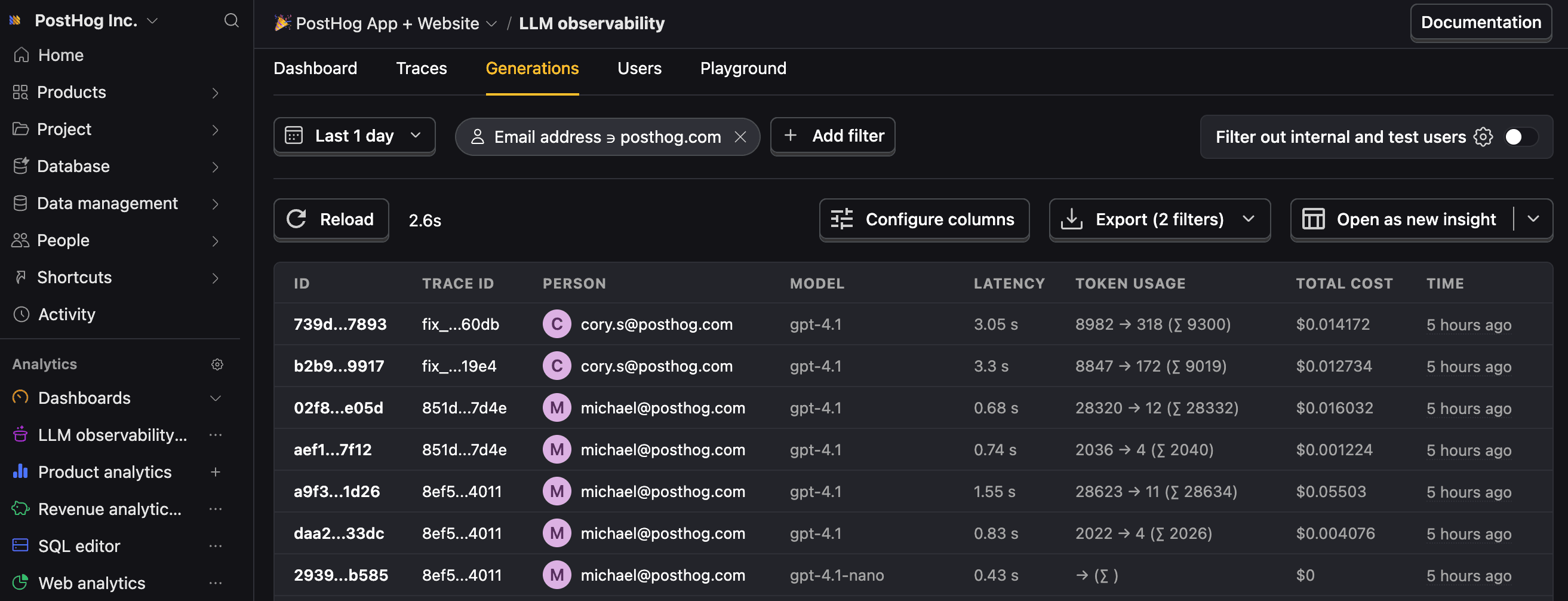
Let’s make sure LLM events are being captured and sent to PostHog. Under LLM analytics, you should see rows of data appear in the Traces and Generations tabs.
4
Recommended
Now that you’re capturing AI conversations, continue with the resources below to learn what else LLM Analytics enables within the PostHog platform.
| Resource | Description |
|---|---|
| Basics (opens in a new tab) | Learn the basics of how LLM calls become events in PostHog. |
| Generations (opens in a new tab) | Read about the $ai_generation event and its properties. |
| Traces (opens in a new tab) | Explore the trace hierarchy and how to use it to debug LLM calls. |
| Spans (opens in a new tab) | Review spans and their role in representing individual operations. |
| Anaylze LLM performance (opens in a new tab) | Learn how to create dashboards to analyze LLM performance. |
Ask a question
HelpfulCould be better