Install the OpenAI Agents SDK. PostHog instruments your agent runs by registering a tracing processor. The PostHog SDK does not proxy your calls.
bash
pip install openai-agents
Proxy note
These SDKs do not proxy your calls. They only fire off an async call to PostHog in the background to send the data. You can also use LLM analytics with other SDKs or our API, but you will need to capture the data in the right format. See the schema in the manual capture section (opens in a new tab) for more details.
Initialize PostHog with your project token and host from your project settings (opens in a new tab), then call instrument() to register PostHog tracing with the OpenAI Agents SDK. This automatically captures all agent traces, spans, and LLM generations.
Run your OpenAI agents as normal. PostHog automatically captures $ai_generation events for LLM calls and $ai_span events for agent execution, tool calls, and handoffs.
python
from agents import Agent, Runneragent = Agent( name="Assistant", instructions="You are a helpful assistant.",)result = Runner.run_sync(agent, "Tell me a fun fact about hedgehogs")print(result.final_output)
You can expect captured $ai_generation events to have the following properties:
Property
Description
$ai_model
The specific model, like gpt-5-mini or claude-4-sonnet
$ai_latency
The latency of the LLM call in seconds
$ai_time_to_first_token
Time to first token in seconds (streaming only)
$ai_tools
Tools and functions available to the LLM
$ai_input
List of messages sent to the LLM
$ai_input_tokens
The number of tokens in the input (often found in response.usage)
$ai_output_choices
List of response choices from the LLM
$ai_output_tokens
The number of tokens in the output (often found in response.usage)
PostHog captures the full trace hierarchy for complex agent workflows including handoffs and tool calls.
python
from agents import Agent, Runner, function_tool@function_tooldef get_weather(city: str) -> str: """Get the weather for a city.""" return f"The weather in {city} is sunny, 72F"weather_agent = Agent( name="WeatherAgent", instructions="You help with weather queries.", tools=[get_weather])triage_agent = Agent( name="TriageAgent", instructions="Route weather questions to the weather agent.", handoffs=[weather_agent])result = Runner.run_sync(triage_agent, "What's the weather in San Francisco?")
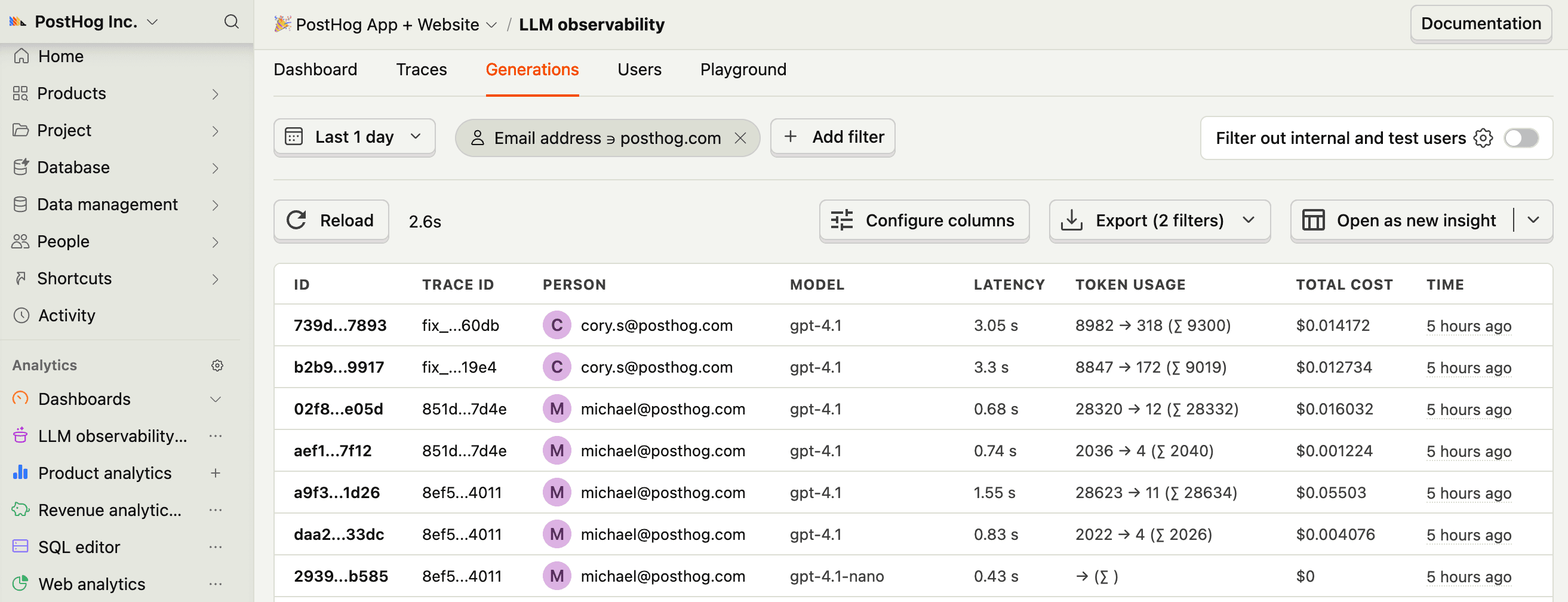
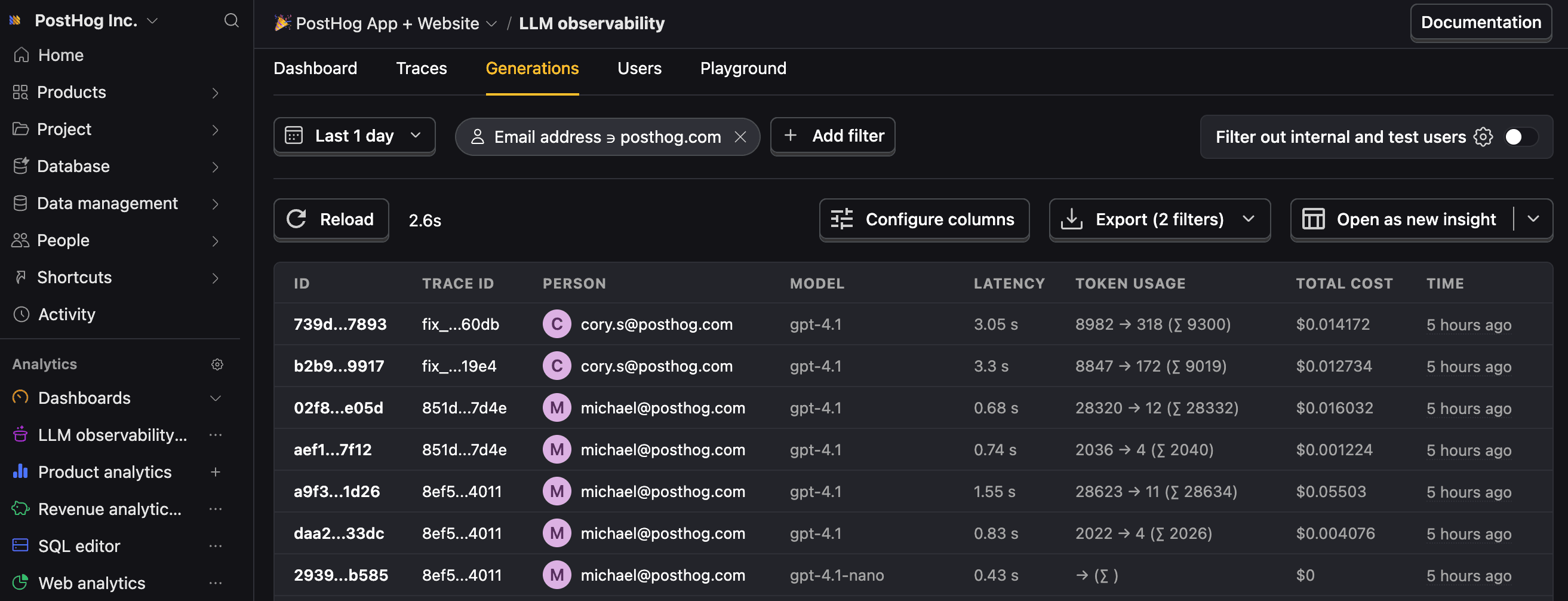
Let’s make sure LLM events are being captured and sent to PostHog. Under LLM analytics, you should see rows of data appear in the Traces and Generations tabs.