Setting the file. One moment.
Verify error tracking
Recommended
Confirm events are being sent to PostHog
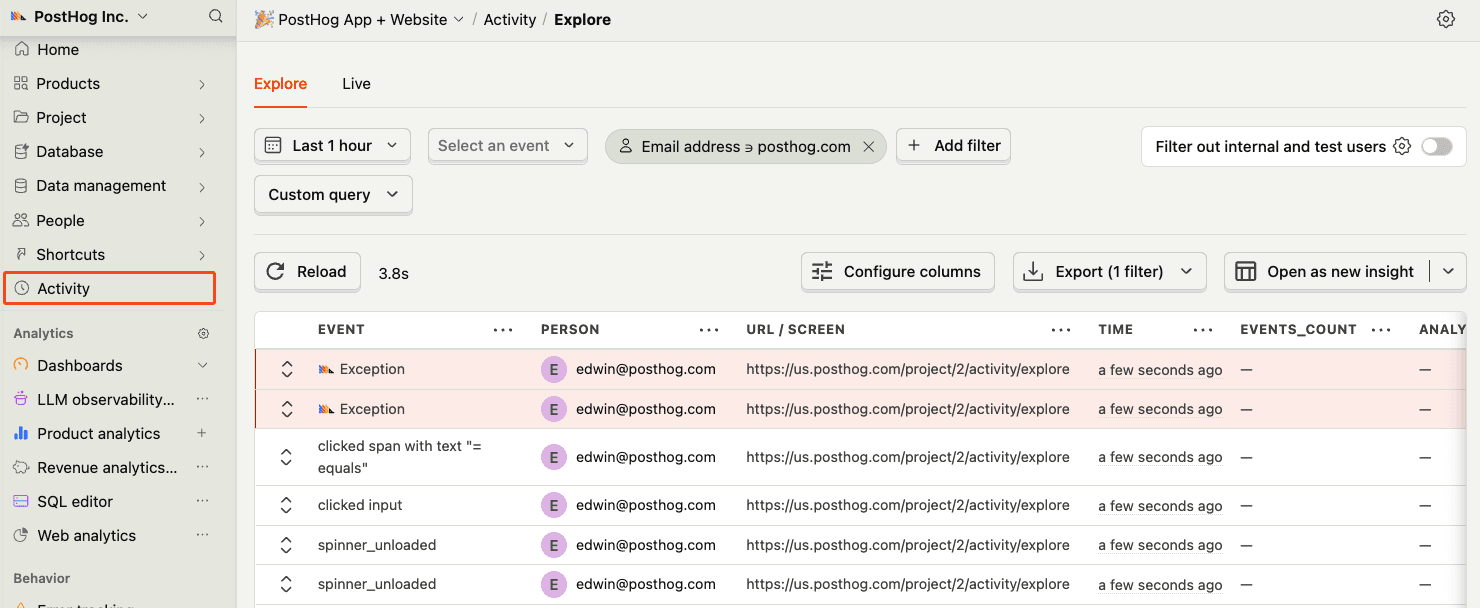
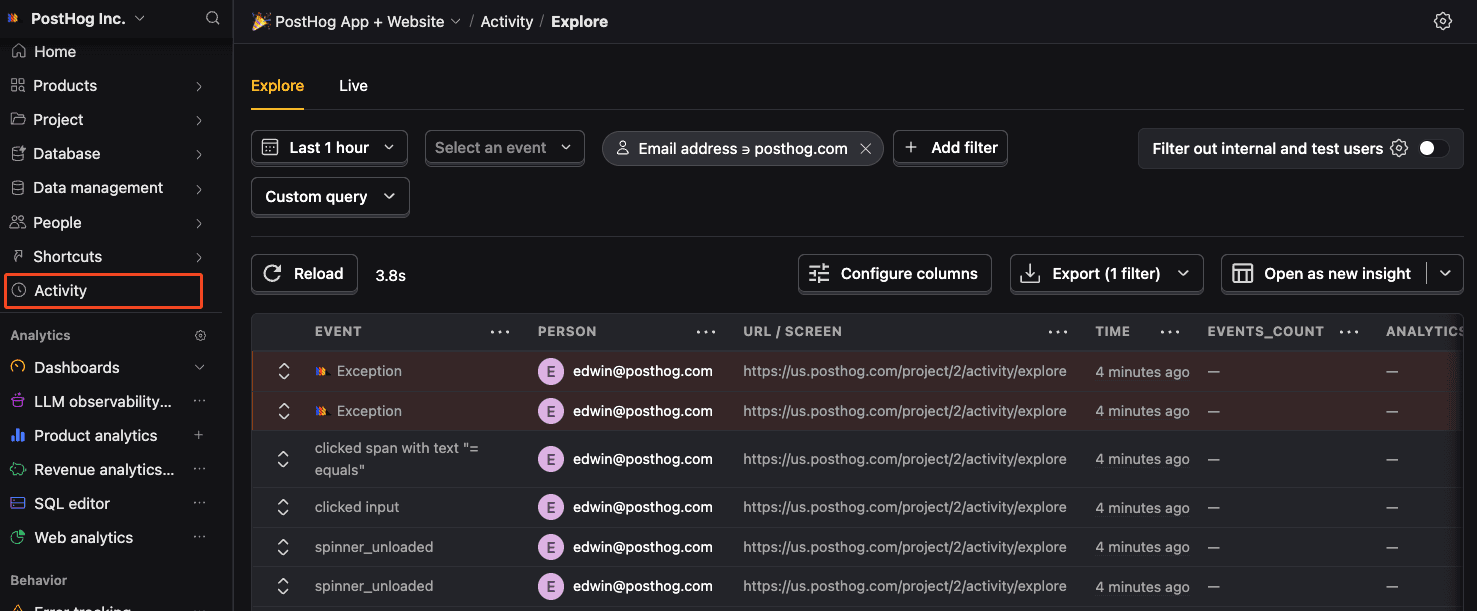
Before proceeding, let’s make sure exception events are being captured and sent to PostHog. You should see events appear in the activity feed.
Skill 175 · Error Tracking Svelte
Subchapter 175.5
references/svelte.mdMarkdown5 KBView on GitHub
Required
Install the PostHog JavaScript library using your package manager:
PostHog AI
npm install posthog-jsyarn add posthog-jspnpm add posthog-js2
Required
If you haven’t created a root layout already, create a new file called +layout.js in your src/routes folder. Check the environment is the browser, and initialize PostHog if so:
src/routes/+layout.js
PostHog AI
import posthog from 'posthog-js'
import { browser } from '$app/environment';
import { onMount } from 'svelte';
export const load = async () => {
  if (browser) {
    posthog.init(
      '<ph_project_token>',
      {
        api_host: 'https://us.i.posthog.com',
        defaults: '2026-01-30'
      }
    )
  }
  return
};
SvelteKit layout
Learn more about SvelteKit layouts (opens in a new tab) in the official documentation.
3
Optional
Install posthog-node using your package manager:
PostHog AI
npm install posthog-node --saveyarn add posthog-nodepnpm add posthog-nodebun add posthog-nodeThen, initialize the PostHog Node client where you’d like to use it on the server side. For example, in a load function:
routes/+page.server.js
PostHog AI
import { PostHog } from 'posthog-node';
export async function load() {
  const posthog = new PostHog('<ph_project_token>', { host: 'https://us.i.posthog.com' });
  posthog.capture({
    distinctId: 'distinct_id_of_the_user',
    event: 'event_name',
  })
  await posthog.shutdown
Note
Make sure to always call posthog.shutdown() after capturing events from the server-side. PostHog queues events into larger batches, and this call forces all batched events to be flushed immediately.
4
Click around and view a couple pages to generate some events. PostHog automatically captures pageviews, clicks, and other interactions for you.
If you’d like, you can also manually capture custom events:
JavaScript
PostHog AI
posthog.capture('my_custom_event', { property: 'value' })5
Required
SvelteKit Hooks (opens in a new tab) can be used to capture exceptions in the client and server-side.
Capture exceptions in the handleError callback in your client-side hooks file:
src/hooks.client.js
PostHog AI
import posthog from 'posthog-js';
import type { HandleClientError } from '@sveltejs/kit';
export const handleError = ({ error, status }: HandleClientError) => {
  // SvelteKit 2.0 offers a reliable way to check for a 404 error:
  if (status !== 404) {
      posthog.captureException(error);
  }
};
6
Required
To capture exceptions on the server-side, you will also need to implement the handleError callback:
src/hooks.server.ts
PostHog AI
import type { HandleServerError } from '@sveltejs/kit';
import { PostHog } from 'posthog-node';
const client = new PostHog(
  '<ph_project_token>',
  { host: 'https://us.i.posthog.com' }
)
export const handleError = async ({ error, status }: HandleServerError) => {
  if (status !== 404) {
      client.captureException(error);
      await client.shutdown();
  }
};Recommended
Confirm events are being sent to PostHog
Before proceeding, let’s make sure exception events are being captured and sent to PostHog. You should see events appear in the activity feed.
7
Required
Great, you’re capturing exceptions! If you serve minified bundles, the next step is to upload source maps to generate accurate stack traces.
Let’s continue to the next section.
Ask a question
HelpfulCould be better