Setting the file. One moment.
Verify error tracking
Recommended
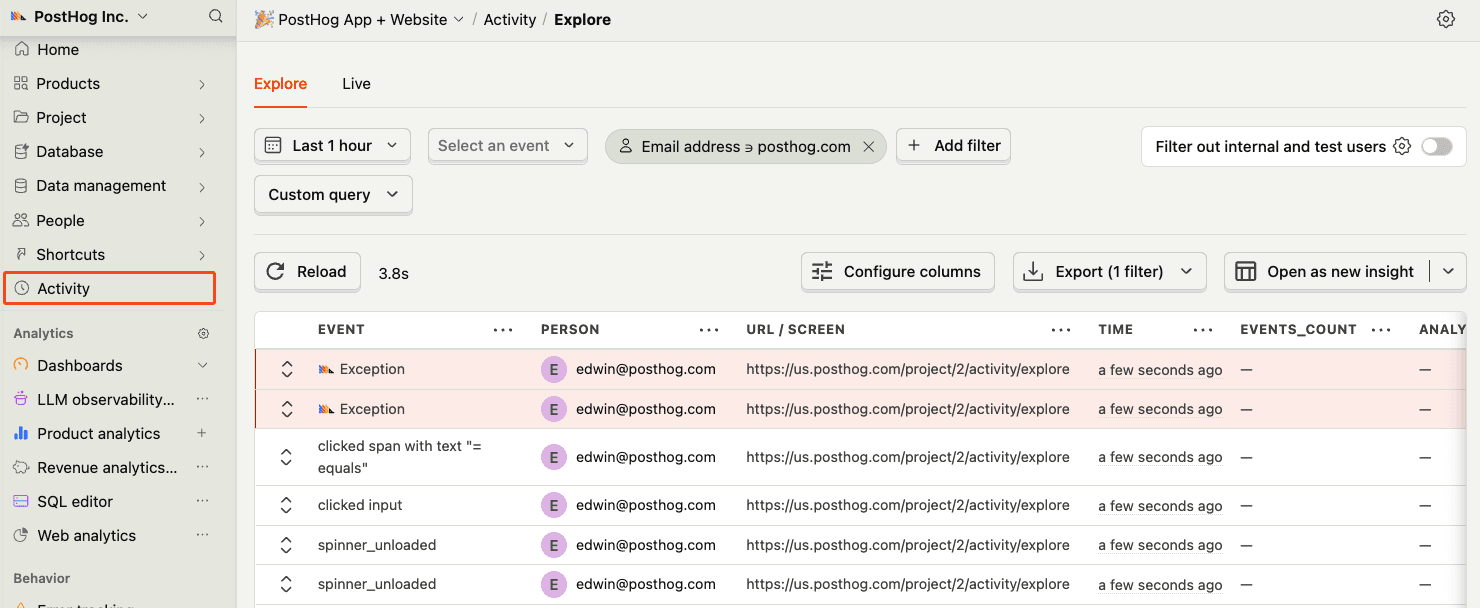
Confirm events are being sent to PostHog
Before proceeding, let’s make sure exception events are being captured and sent to PostHog. You should see events appear in the activity feed.
Chapter 177 · Error Tracking Ruby On Rails
Subchapter 177.5
references/ruby-on-rails.mdMarkdown4 KBView on GitHub
Required
Add the posthog-ruby and posthog-rails gems to your Gemfile:
Gemfile
PostHog AI
gem "posthog-ruby"
gem "posthog-rails"
Then run:
Terminal
PostHog AI
bundle install2
Required
Run the install generator to create the PostHog initializer:
Terminal
PostHog AI
rails generate posthog:installThis will create config/initializers/posthog.rb with sensible defaults and documentation.
3
Required
Update config/initializers/posthog.rb with your project token and host:
config/initializers/posthog.rb
PostHog AI
PostHog.init do |config|
  config.api_key = '<ph_project_token>'
  config.host = 'https://us.i.posthog.com'
end
4
Recommended
Once installed, you can manually send events to test your integration:
Ruby
PostHog AI
PostHog.capture({
    distinct_id: 'user_123',
    event: 'button_clicked',
    properties: {
        button_name: 'signup'
    }
})
5
Required
Update config/initializers/posthog.rb to enable automatic exception capture:
config/initializers/posthog.rb
PostHog AI
PostHog::Rails.configure do |config|
  config.auto_capture_exceptions = true
  config.report_rescued_exceptions = true
  config.auto_instrument_active_job = true
  config.capture_user_context = true
  config.current_user_method = :current_user
end
6
Recommended
With auto_capture_exceptions enabled, exceptions are automatically captured from your controllers:
app/controllers/posts_controller.rb
PostHog AI
class PostsController < ApplicationController
  def show
    @post = Post.find(params[:id])
    # Any exception here is automatically captured
  end
end
7
Optional
When auto_instrument_active_job is enabled, ActiveJob exceptions are automatically captured:
app/jobs/email_job.rb
PostHog AI
class EmailJob < ApplicationJob
  def perform(user_id)
    user = User.find(user_id)
    UserMailer.welcome(user).deliver_now
    # Exceptions are automatically captured with job context
  end
end
8
Optional
You can also manually capture exceptions that you handle in your application:
Ruby
PostHog AI
PostHog.capture_exception(
  exception,
  current_user.id,
  { custom_property: 'value' }
)Recommended
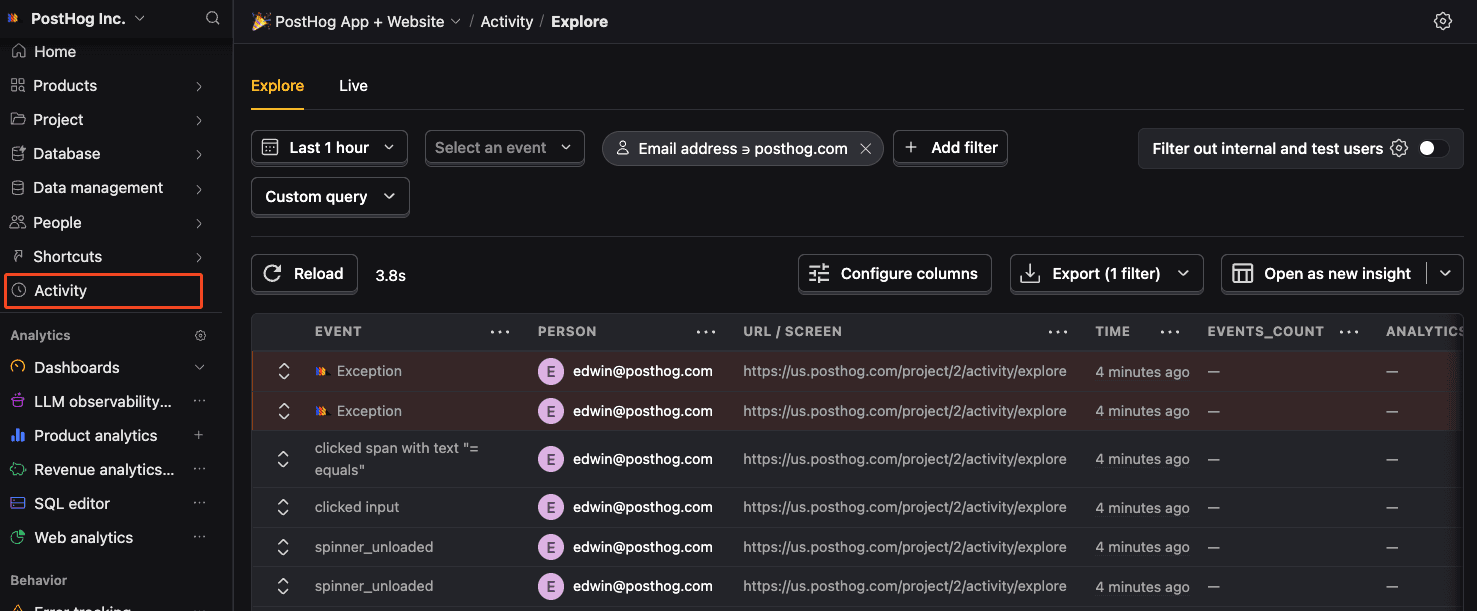
Confirm events are being sent to PostHog
Before proceeding, let’s make sure exception events are being captured and sent to PostHog. You should see events appear in the activity feed.
Ask a question
HelpfulCould be better